-
·
How to Boost WooCommerce Conversions with SMS & RCS Notifications ?
Every WooCommerce store owner is looking for the exact same thing: a friction-free checkout process and a reliable way to get customers back to the store. While email used to be the gold standard, modern data shows that email open rates hover at a disappointing 20%. Meanwhile, text messages have a 98% open rate, with…
-
·
How to create bundles by tag in WooCommerce with Doko Bundle Builder plugin ?
How to create bundles by tag in WooCommerce with Doko Bundle Builder plugin ? Bundling is one of the most effective ways to sell multiple products at once. Alongside grouped products, bundles offer a quick and efficient method for moving stock and creating appealing offers for your customers. A bundle consists of pre-grouped products tailored to…
-
·
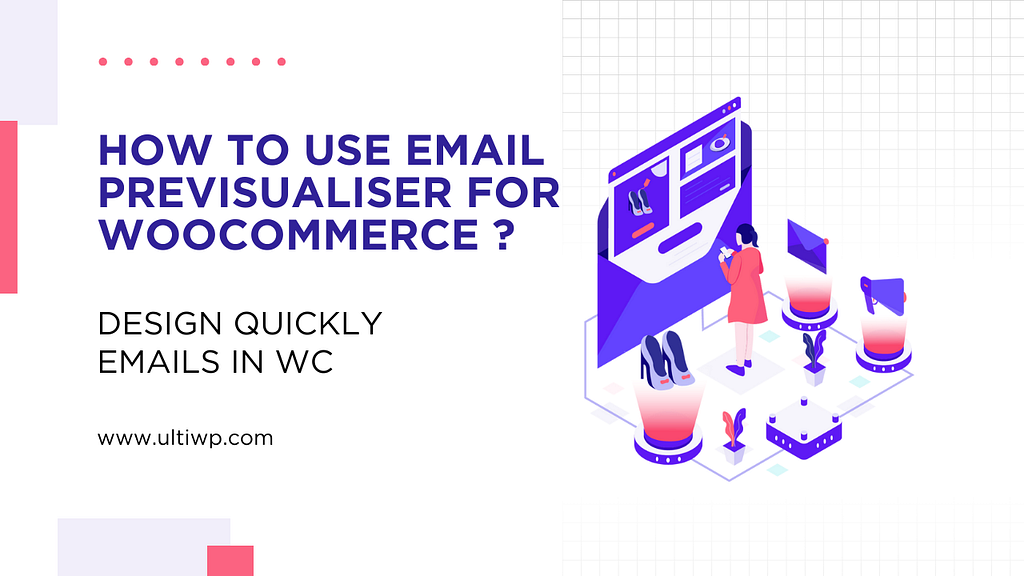
How to use Email Previsualiser for WooCommerce ?
How to use Email Previsualiser for WooCommerce ? Since WooCommerce version 9.8, the most used plugin by site owners worldwide now includes an amazing built-in tool for designing and customizing emails quickly. Instead of relying on one to three extra plugins to handle this, you now have a native option directly inside WooCommerce that lets you…
-
·
3 Proven Ways to Speed Up Your WordPress Website
WordPress (WP) is one of the most popular platforms for building blogs and websites quickly — from personal blogs and news sites to eCommerce stores and even Fortune 500 company websites. It allows you to easily publish content and create structured navigation using various elements, in a way that was previously difficult to achieve. For most site…
-
·
Backup Your WooCommerce Store with These 3 Plugins
backup-your-woocommerce-store Backing up your website is crucial to prevent data loss due to server crashes, hacking, or accidental errors. Fortunately, WordPress offers several plugins that make this process simple and efficient. Here are three top options: – Duplicator : This plugin is perfect for creating full website backups, migrating your site to a new server, or cloning…
-
·
3 Easy Ways to Translate Your WooCommerce Store in Just a Few Clicks
Photo by Sigmund on Unsplash WPML: Seamless multi-language support for your store. Google Translate: Quick and automatic translation with Google’s technology. Polylang: A simple, flexible solution for multilingual sites.